From your real photos, free to start
Turn yourself and your family into characters.
Upload one photo of you, your partner, your kids or your parents and get a character that still looks like them: a full reference of angles and expressions. Then make whole portrait sets, birthday cards and scenes that keep the same face every time.
Turn your photo into a characterOne clear photo per person. Each character is saved, so you never upload them twice.
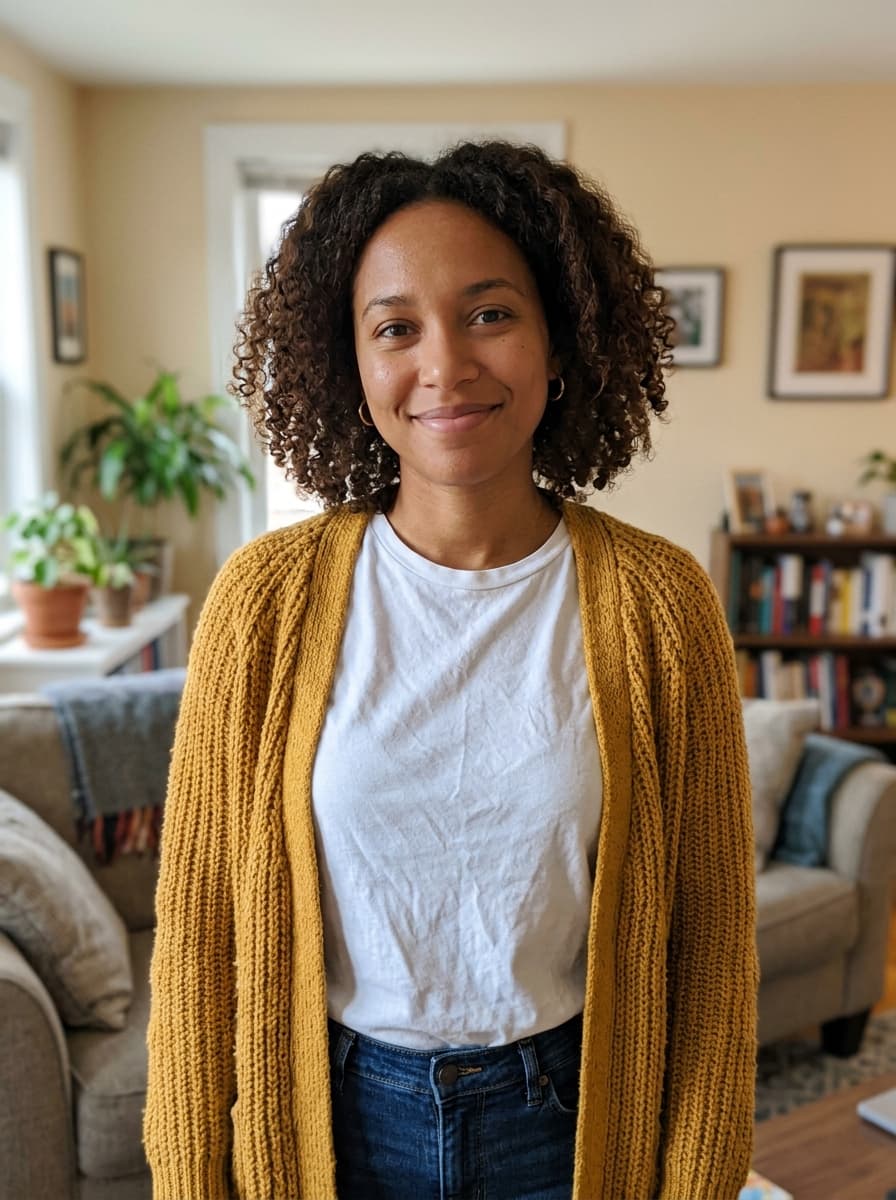 Your photo
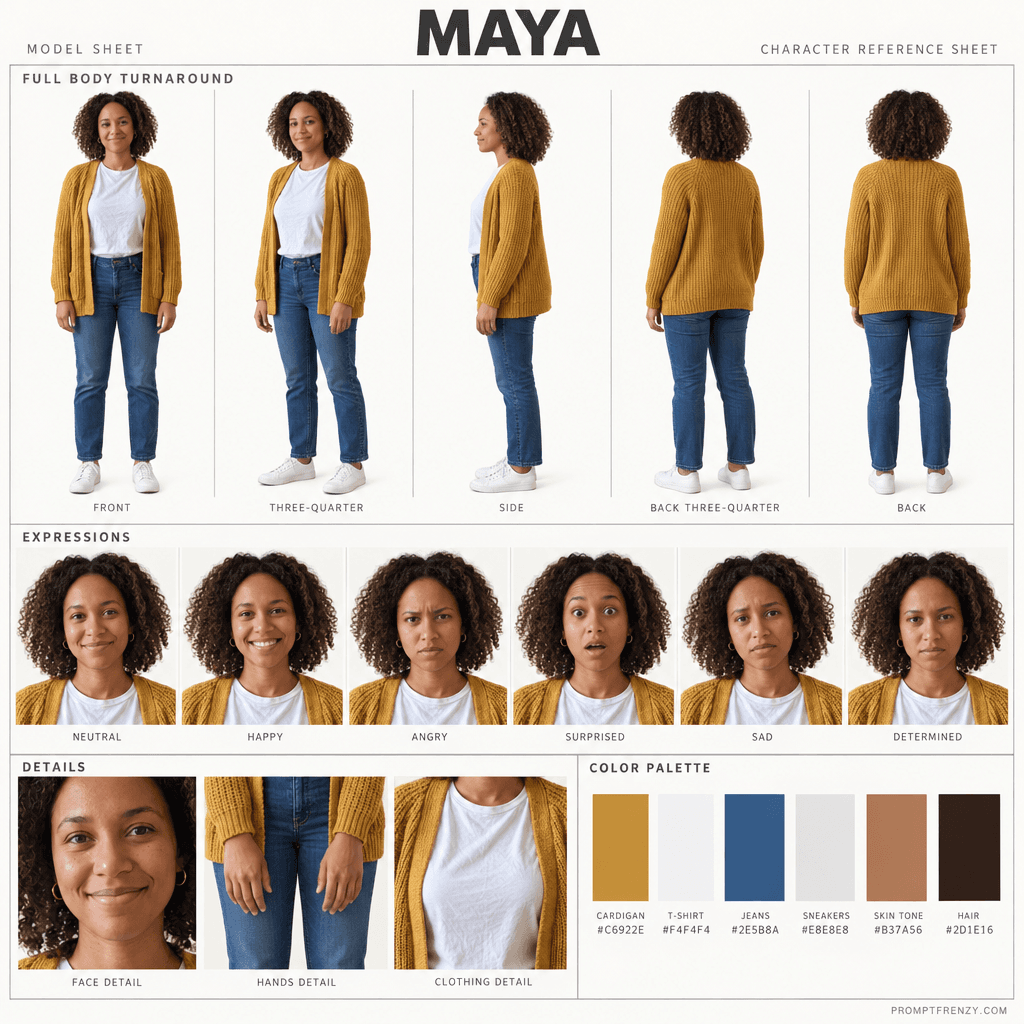 Character sheet
What people make from their photos
A character version of you
A reference of you from every angle, with your own expressions, ready for avatars, profile pictures and any scene you can describe.
The whole family as characters
One character per person, each from their own photo. Everyone keeps their own face, so the kids still look like the kids in every picture.
Portrait sets in one go
A pro headshot, a 3D cartoon, a pencil sketch, a royal portrait: one photo becomes a whole set of styles, and you choose which ones to make.
Cards and gifts that look like them
Birthday cards, caricatures and fantasy portraits of the people you love, made from a photo already on your phone.
How it works
One workflow: create the character, save them, reuse them everywhere.
1. Create your character
Upload a photo or describe your character and generate a full reference: a turnaround of angles, an expression grid and a colour palette. That reference is what makes everything after it consistent.
2. Save them to Maria
Your character is saved with Maria, the PromptFrenzy assistant, so you never rebuild them from scratch. Ask for the same character next week and the exact same design comes back.
3. Reuse them anywhere
Drop your saved character into any scene, outfit or style, then animate the result into a short clip. Same face in every image and every frame of video.
Character sheet 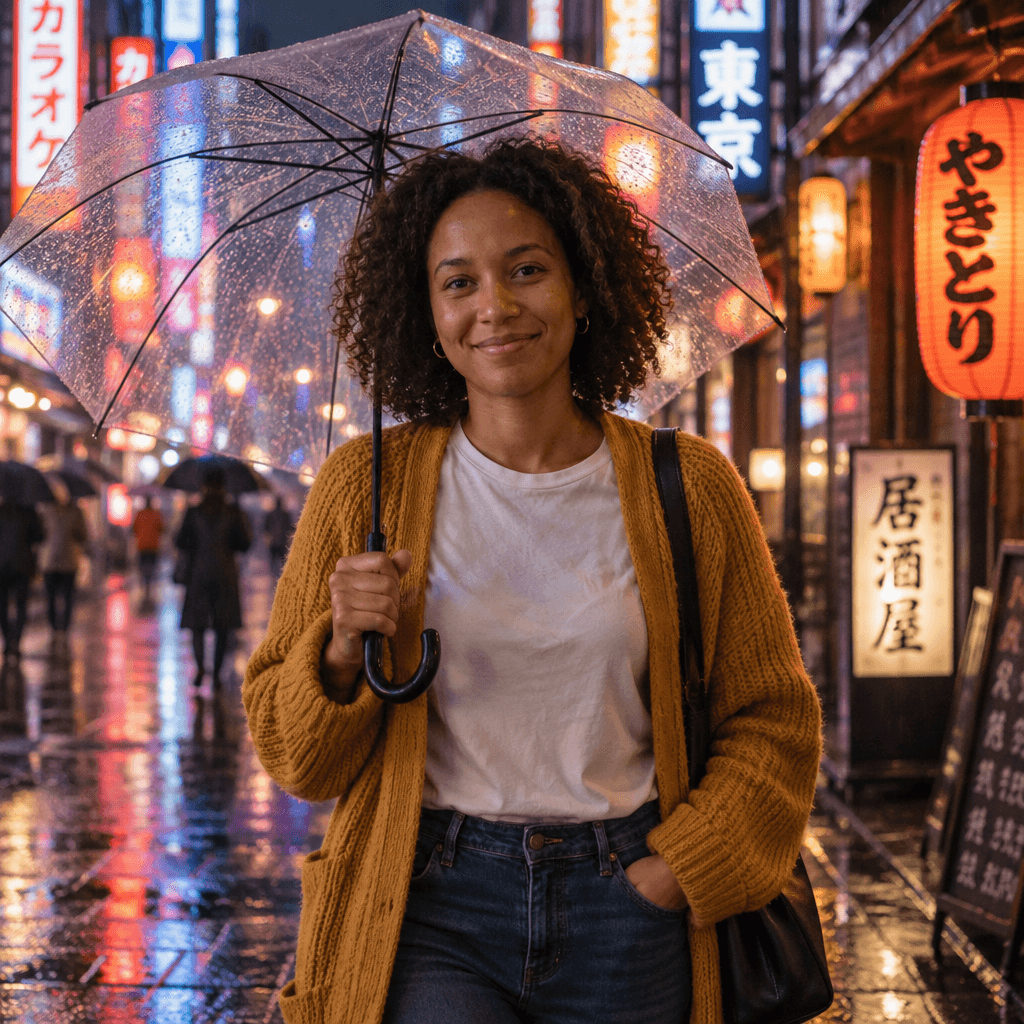
Same character, any scene 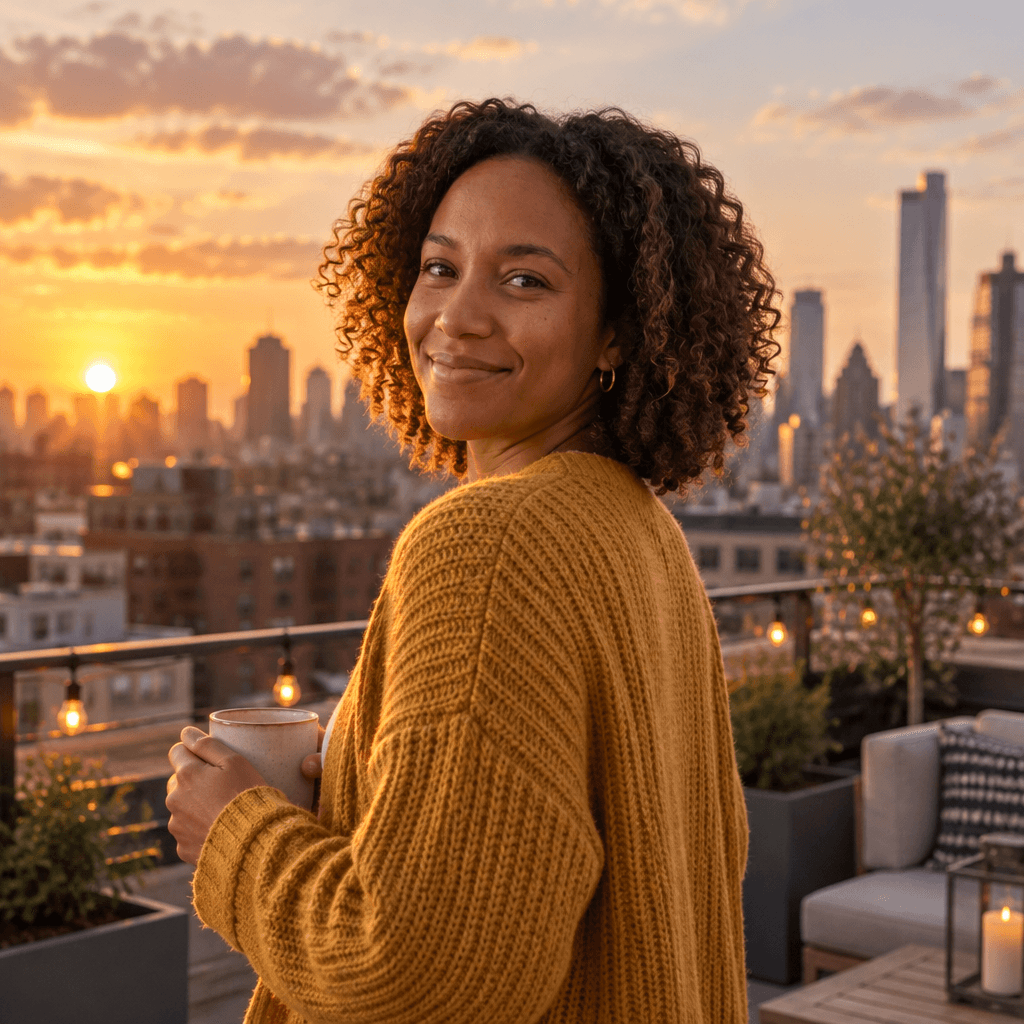
Same character, on video
Turn yourself into a character FAQ
- Can I turn a photo of myself into a character?
- Yes. Upload one clear photo and the workflow builds a character from it: a turnaround of angles, an expression grid and a colour palette, all recognisably you. The character is saved, so every portrait or scene after it starts from the same face instead of a fresh guess.
- Can I make characters of my whole family?
- Yes. Make one character per person, each from their own photo. Each one is saved separately, so you can come back for a new portrait set of your mum or a birthday card for your son without uploading anything again.
- Will the character still look like the real person?
- That is what the reference is for. A single prompt reinvents a face every time. Building the reference first, from the real photo, gives the model a fixed identity to hold, which is why the same person comes back across very different styles.
- What can I make once a character is saved?
- Portrait sets such as pro headshots, cartoons and pencil sketches, fantasy portraits, birthday cards, scenes anywhere you can describe, and short videos. Each one starts from the saved character, so the likeness carries through.
- What kind of photo works best?
- One clear, well-lit photo of a single face, looking roughly at the camera, with nothing covering it. A recent phone photo is ideal. For a group photo, crop to one person per character.