
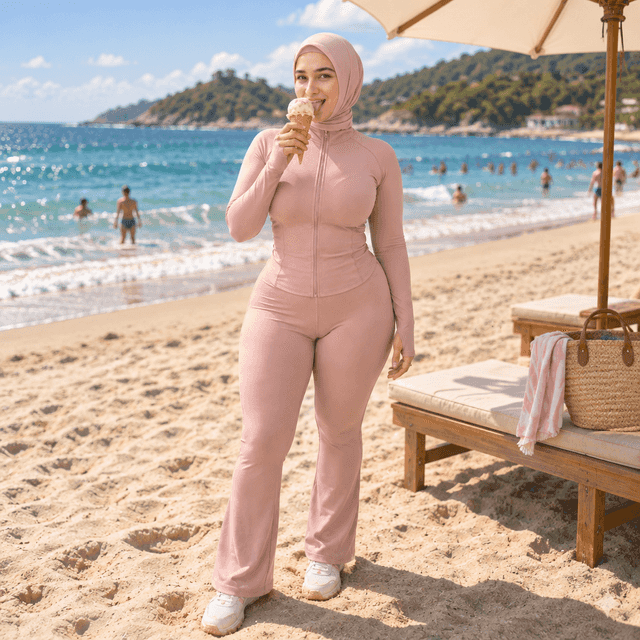
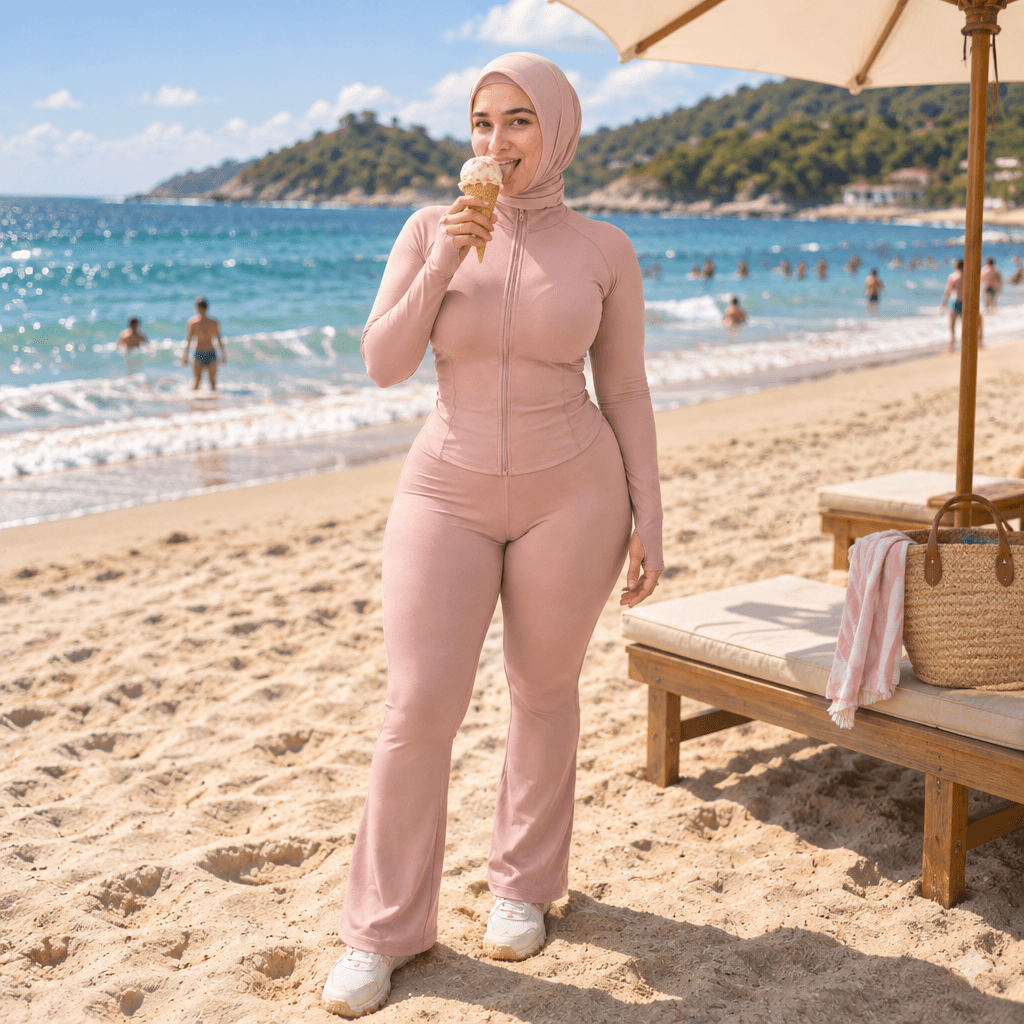
Put Your Character in a Scene
Drop your saved character into any scene you describe — the AI keeps their exact face, hair, and features while relighting them to belong in the setting, so it looks genuinely shot there, not pasted on. The reuse step of the character workflow: same character, new shot.
Prompt breakdown
Prompt used to generate this image.
Variants
Similar Prompts
Explore more
Prompts in this styleFrequently asked questions
What is the Put Your Character in a Scene image-to-image prompt?
The Put Your Character in a Scene is a ready-to-run image-to-image prompt on PromptFrenzy. It's tuned for ChatGPT (GPT Image 2.5) and produces consistent results without manual prompt engineering. Type your inputs, hit Generate, and the AI returns your result in roughly 30 to 90 seconds.
Can I customize the Put Your Character in a Scene?
Yes — this prompt exposes 2 variables (character, scene_description) you can tune to your subject before running.
Does this prompt work with ChatGPT, Gemini, and Midjourney?
The default model for this prompt is ChatGPT (GPT Image 2.5). Most of our prompts can also be run against ChatGPT, Gemini, and Midjourney via the model picker — output quality varies by model, so it's worth comparing.
Is the Put Your Character in a Scene free to use?
Yes. Generation is free for the first batch of credits on every account, and you can browse and copy any prompt without paying. Paid credits exist for power users running heavy volumes.
How do I get better results from this prompt?
Lean into the variables: be specific where the prompt expects a subject, mood, or style. Vague inputs ("nice", "cool") produce vague outputs. If a variable accepts an image, use a clean, well-lit reference. Run two or three variations and keep the best.